产品与设计 AI Image Remover: The Ultimate Free Tool for Erasing People and Objects from Your Photos

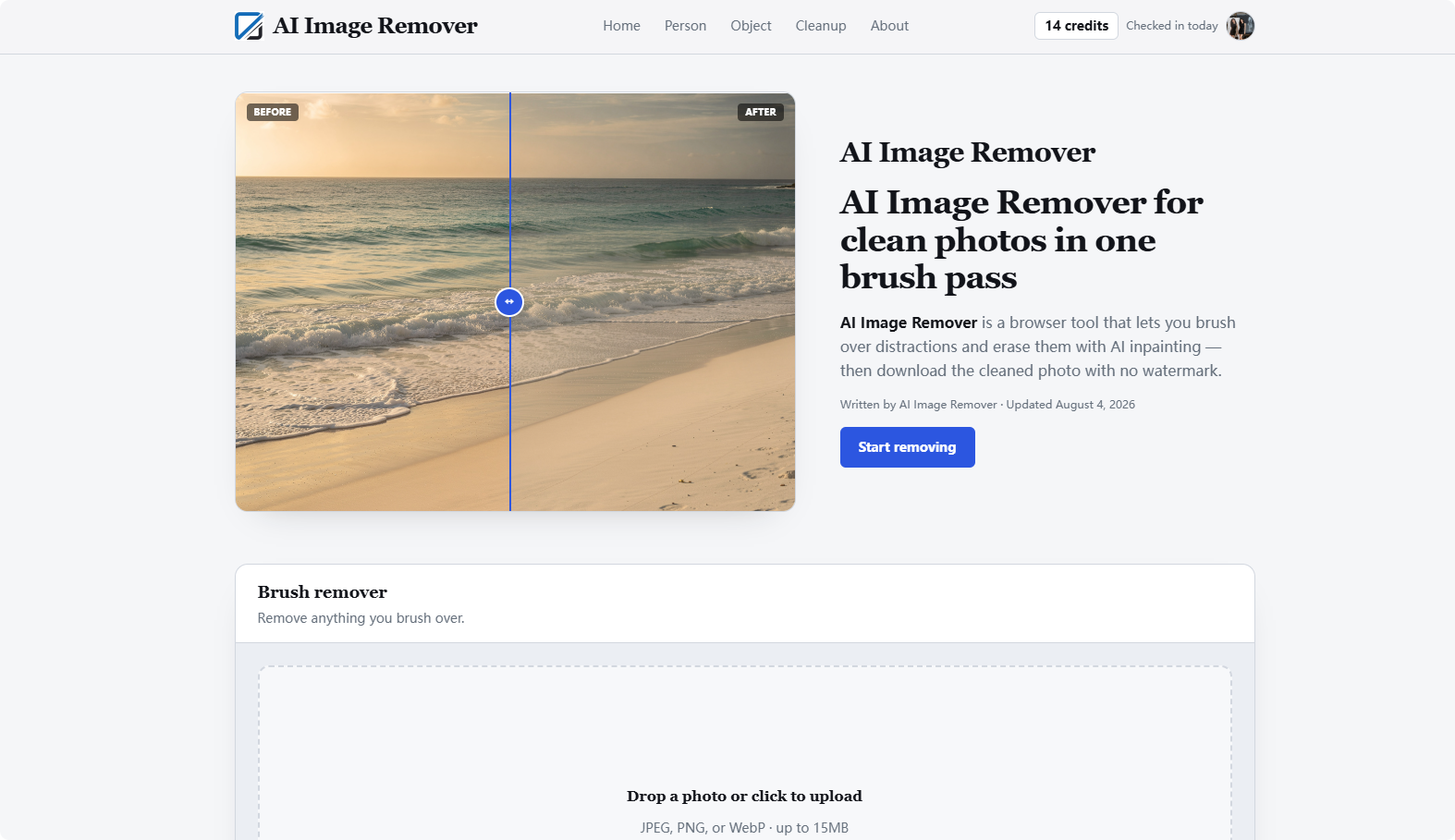
Capturing the perfect photo can be a challenge in our busy world. Whether you are at a crowded tourist landmark trying to take a vacation shot or at home attempting to photograph a product for your online shop, there is almost always something in the frame that should not be there. From stray photobombers to unsightly power lines and cluttered backgrounds, these distractions can ruin an otherwise perfect image. This is where AI Image Remover comes in to save the day. AI Image Remover is a dedicated, browser-based photo cleanup tool designed to help you erase unwanted elements in seconds. Unlike complex graphic design software that requires years of experience or expensive monthly subscriptions, AI Image Remover focuses on one specific, powerful task: removing unwanted people and objects using advanced AI inpainting technology. By visiting https://ai-image-remover.com, users can quickly transform a cluttered image into a professional-looking masterpiece without downloading any software. The site provides a clean, intuitive interface that puts the editing tools right at your fingertips, making professional-grade photo editing accessible to everyone.
AI Image Remover offers a variety of features that make it a top choice for quick and effective photo edits. Here are some of the key capabilities and advantages of using this platform:
- Intuitive Brush-Based Masking: Simply paint over the object or person you want to remove with an adjustable brush tool. The interface allows you to control the brush size for precision.
- High-Speed Processing: You do not have to wait long for results. Most removal jobs on AI Image Remover are completed in approximately 15 to 20 seconds.
- No Branded Watermarks: One of the standout features is the ability to download your cleaned photos immediately without any annoying logos or watermarks.
- Privacy Focused: Your uploads are kept private and are never shared in public galleries. Files are retained temporarily for about 48 hours to allow for download and are then removed from the server.
- Flexible Access for Everyone: You can start using the tool for free as a guest with three trial runs per IP address to see the quality for yourself.
- Generous Credit System: By choosing to sign in with a Google account, you receive a signup bonus of 10 credits and can claim 5 daily check-in credits to keep using the tool regularly.
- Broad Format Support: The platform comfortably handles JPEG, PNG, and WebP files with an upload limit of up to 15MB.
- Mobile Friendly Design: There is no need for a desktop computer. AI Image Remover is fully responsive and works perfectly in modern mobile browsers for on-the-go editing.
- Smart Image Handling: The system supports high-resolution images. If your photo exceeds 4096 pixels on its longest edge, the tool automatically downscales it for optimal processing speed.
- Undo Functionality: If you make a mistake while masking, the handy undo button allows you to revert your last stroke easily.
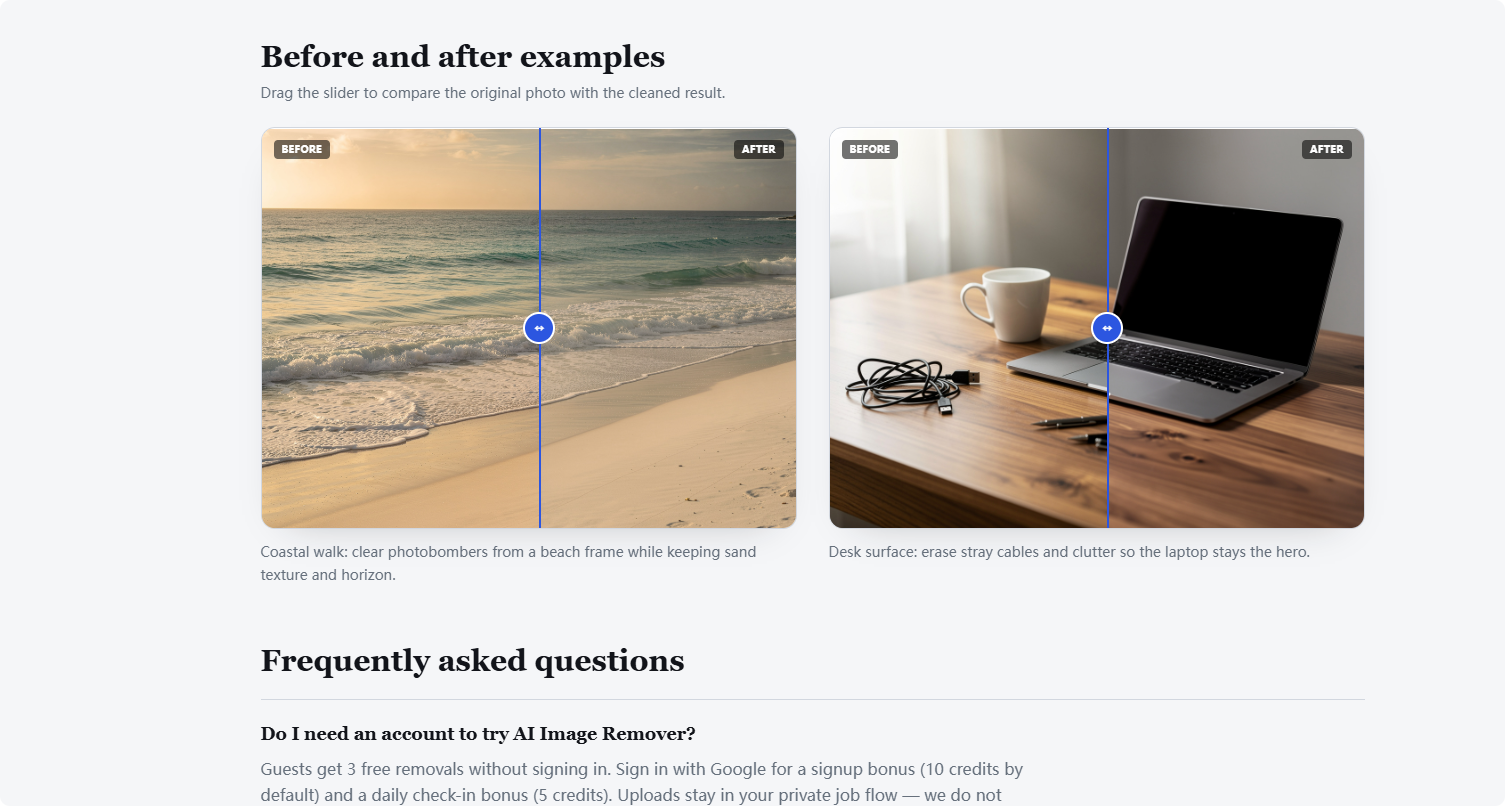
AI Image Remover is specifically designed to tackle the everyday frustrations faced by photographers, creators, and casual users. It solves the problem of photobombers—those unexpected strangers who walk into your frame just as you click the shutter. For travel enthusiasts, this means you can finally get that solo shot in front of a famous monument. For e-commerce sellers and small business owners, AI Image Remover is an essential tool for tidying up product photos. You can easily remove distracting desk cables, price tags, or props that take the focus away from the item you are selling. It also solves technical clutter issues, such as removing wires, trash bins, or poles from street photography. Because it is an inpainting tool, it does more than just erase; it reconstructs the background by analyzing the surrounding textures and colors. This makes it far more effective than a simple crop or a basic background remover. It eliminates the need for learning the clone-stamp tool in Photoshop, providing a solution that is fast, free, and incredibly simple to use at https://ai-image-remover.com.
Q: Is AI Image Remover really free to use? A: Yes, AI Image Remover offers guest trial runs and a credit system that allows you to use the core removal features for free. You can earn more credits daily by signing in with your Google account and clicking the check-in button.
Q: Does the tool add a watermark to my downloaded images? A: No, AI Image Remover provides clean, watermark-free results for both guest users and signed-in users, making it ideal for social media and professional use.
Q: What happens to the photos I upload to the site? A: Your privacy is important. Photos uploaded to AI Image Remover are processed in a private path and are typically deleted after about 48 hours. Your images are not used to train public AI models.
Q: Can I
AI Image Remover https://ai-image-remover.com